
Upgrade now
Our site uses cookies. By continuing to use our site you are agreeing to our cookies policy.
Our site uses cookies. By continuing to use our site you are agreeing to our cookies policy.
Network Drive (WebDAV) for Windows
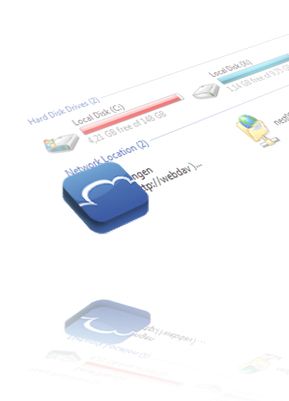
Windows have built in support for WebDAV
- Open the Start menu
- Select "Computer"
- Click on "Map network drive" in the toolbar
- Click on "Connect to a Web site that you can use to store documents and pictures"
- Enter https://webdav.cloudme.com/username as "Internet or network adress"
- Click "Next"
- Enter your CloudMe username and password
- Enter a name for the network place
- Click "Finish"